Zero-Downtime IT Upgrade at Xi’an International School

min
Zero Classroom Downtimestaged migration completed completed before end of the school year.
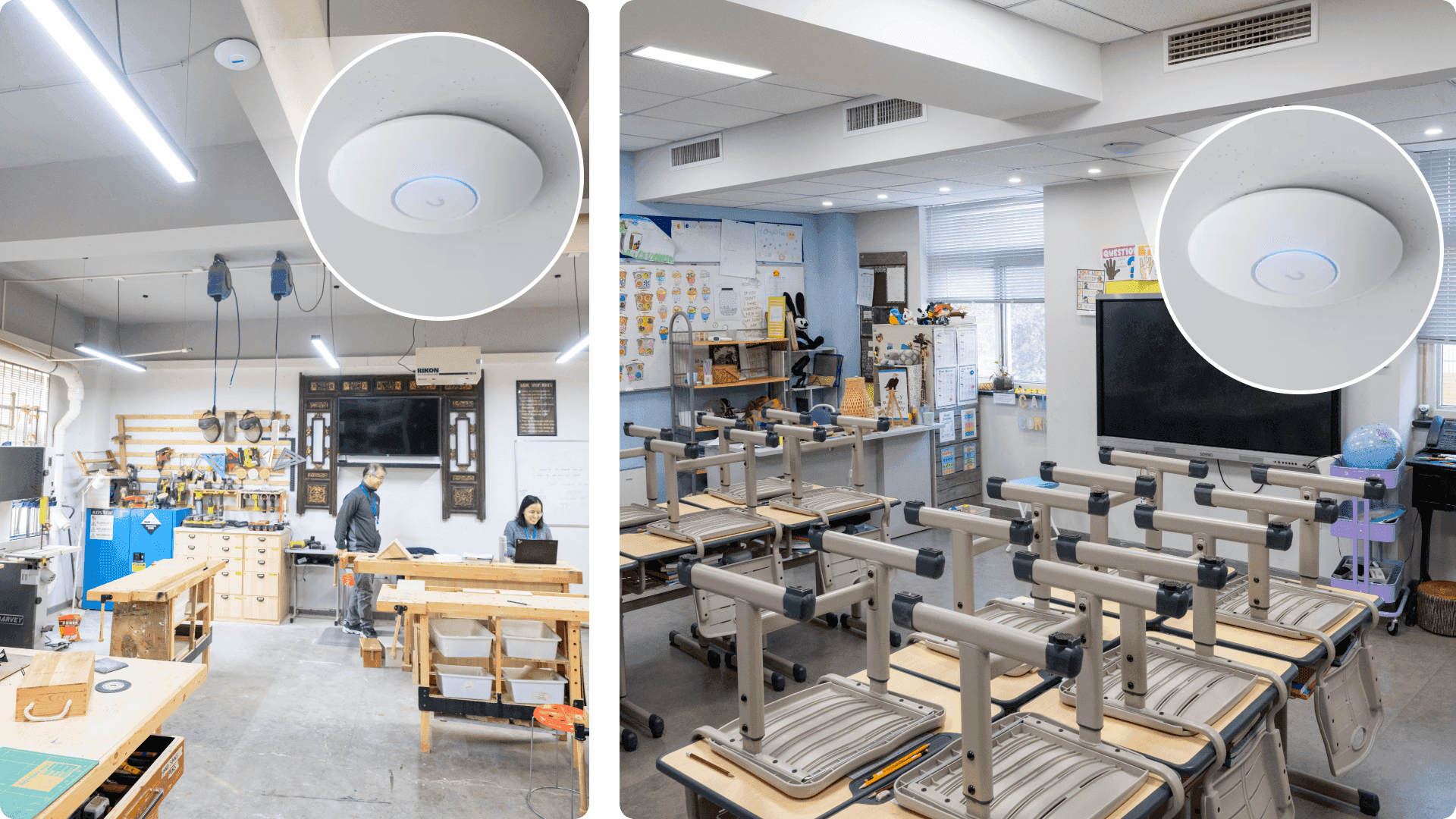
Campus-Wide Coverage54 UniFi Wi-Fi 6 APs deliver seamless connectivity across three main buildings.
Simplified IT Operationscentralized UniFi dashboard allows remote management and faster troubleshooting.

Introduction

Founded nearly 30 years ago, Xi’an International School (XIS) has served the international community with a strong commitment to small-scale, community-driven education. While this model fostered close student–teacher engagement, IT investments had long lagged behind.

By the time the school relocated to its current campus, its consumer-grade Wi-Fi was unable to support the demands of cloud learning, interactive lessons, and real-time parent communication. The challenge was clear: modernize the IT backbone to meet 21st-century educational needs — without interrupting the school’s strict schedule working between classroom times as rooms are available.
Business Requirements

  • Minimal Downtime: upgrades had to be completed while a classroom was available, with zero disruption to teaching.
  • High Performance: resolve concurrency limits and slow throughput, ensuring seamless video streaming and online learning.
  • Future Scalability: build a modular IT infrastructure ready for expansion and additional services like access control and surveillance.

Why UniFi?

  • License-free model reduces ongoing costs compared to legacy systems.
  • Single-pane-of-glass management allows IT administrators to monitor and manage the entire campus from one intuitive dashboard.
  • Scalable ecosystem supports future integration of UniFi Protect (surveillance) and UniFi Access (door control).
Before, we had to visit each AP one by one to change a Wi-Fi password. Now we can do it instantly from the dashboard — anywhere, anytime.

IT Administrator, Xi’an International School

Deployment Highlights

Staged Migration with Zero Downtime

  • New UniFi network was built in parallel with the old system.
  • Once a floor was complete, switched off the old system and removed old equipment.
  • All cutovers completed when classroom was available,ensuring zero class interruptions.

Campus-Wide Wi-Fi

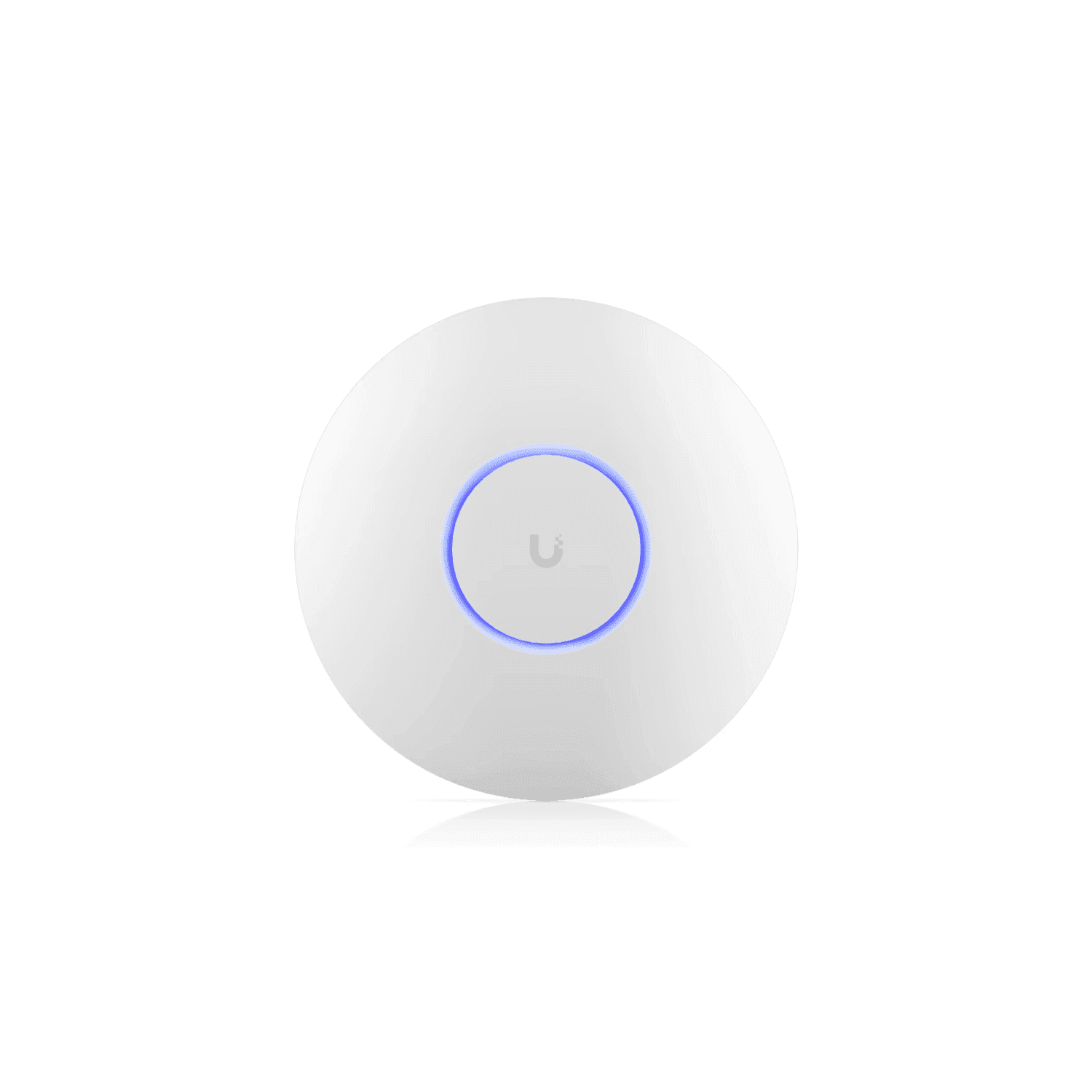
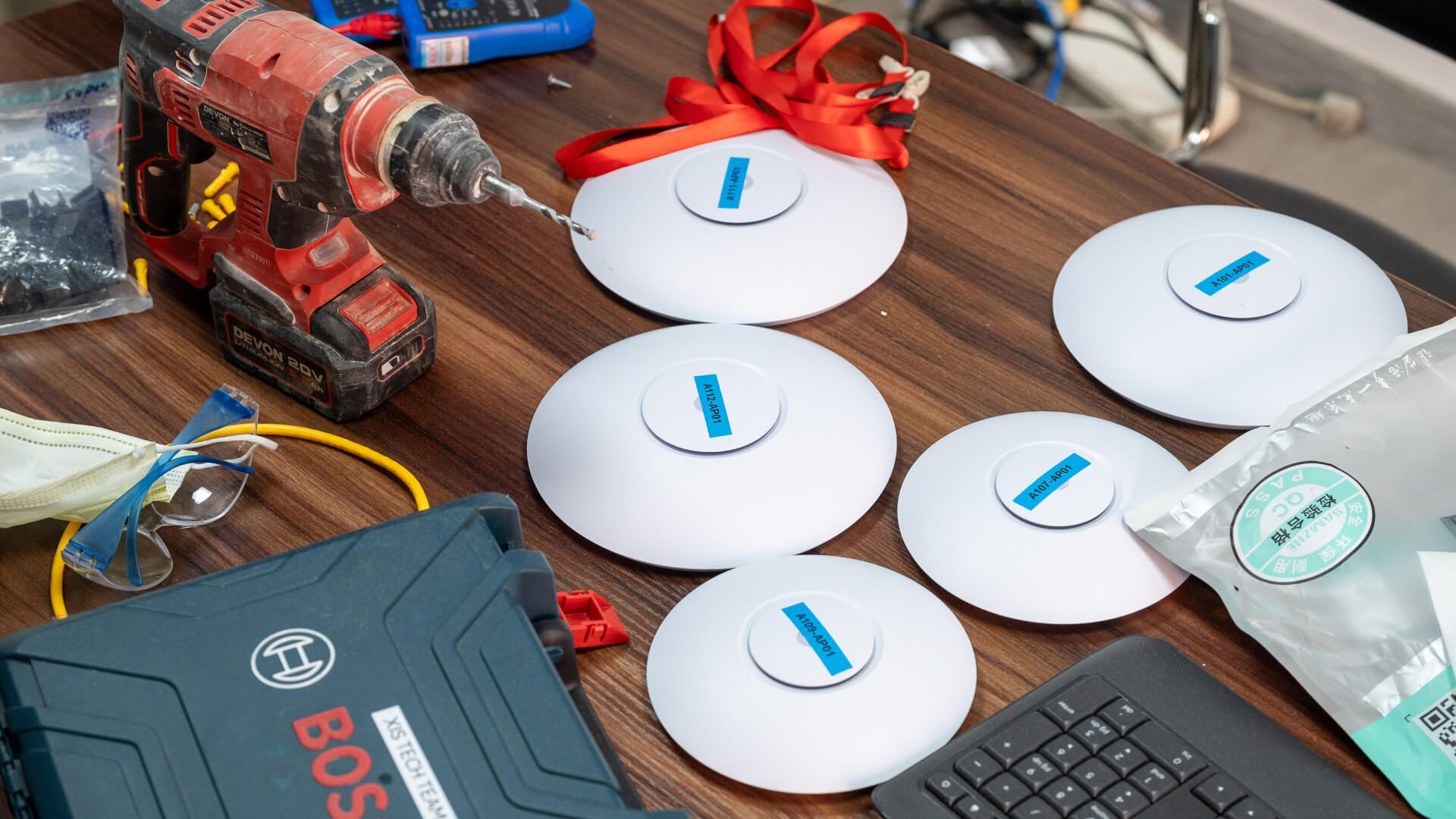
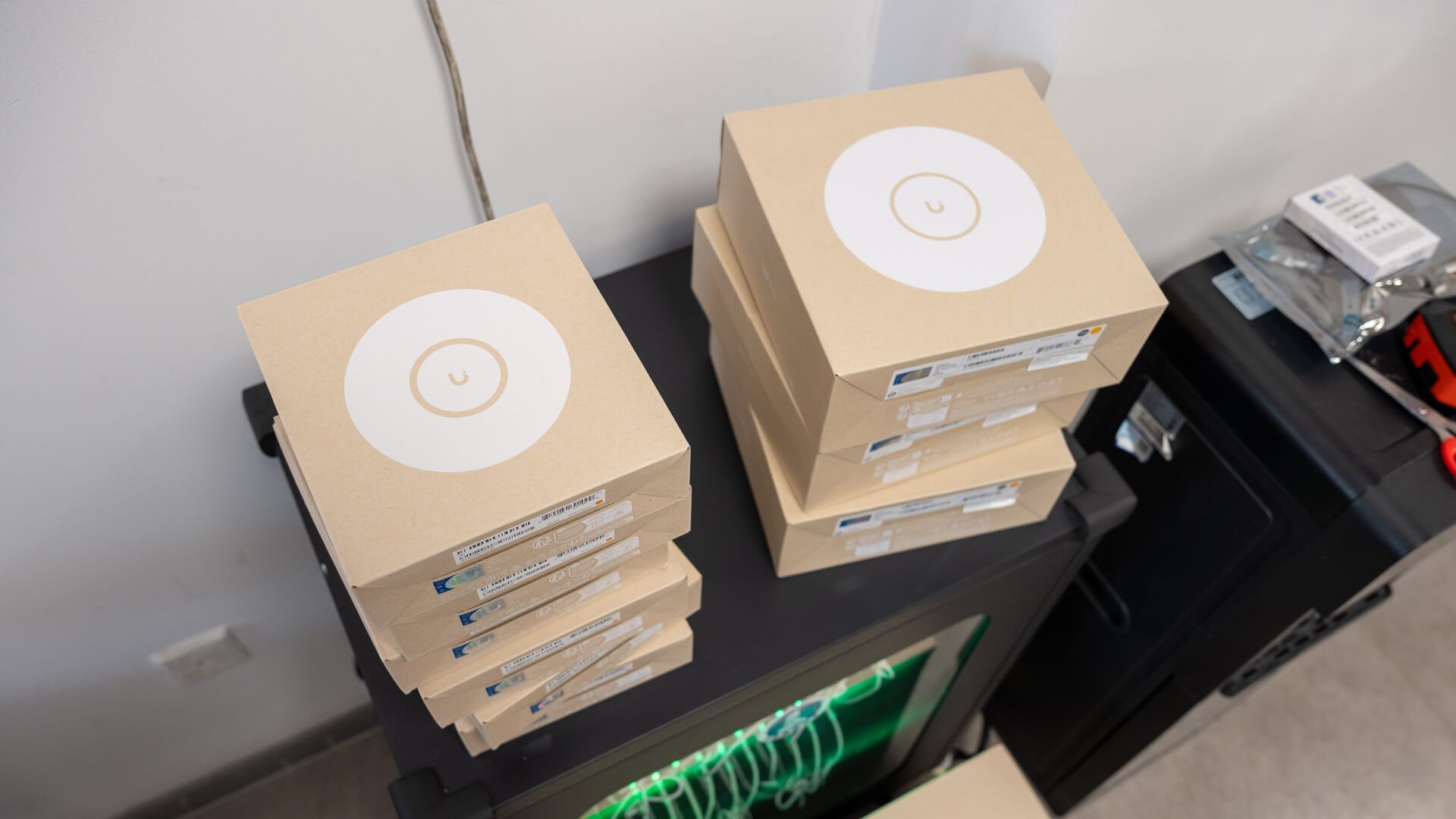
  • 54 UniFi APs installed: 36 U6 Pro + 18 U6+.
  • Coverage validated with heatmaps across Buildings
  • Segregated SSIDs for students, staff, and guests.

Switching & Backbone

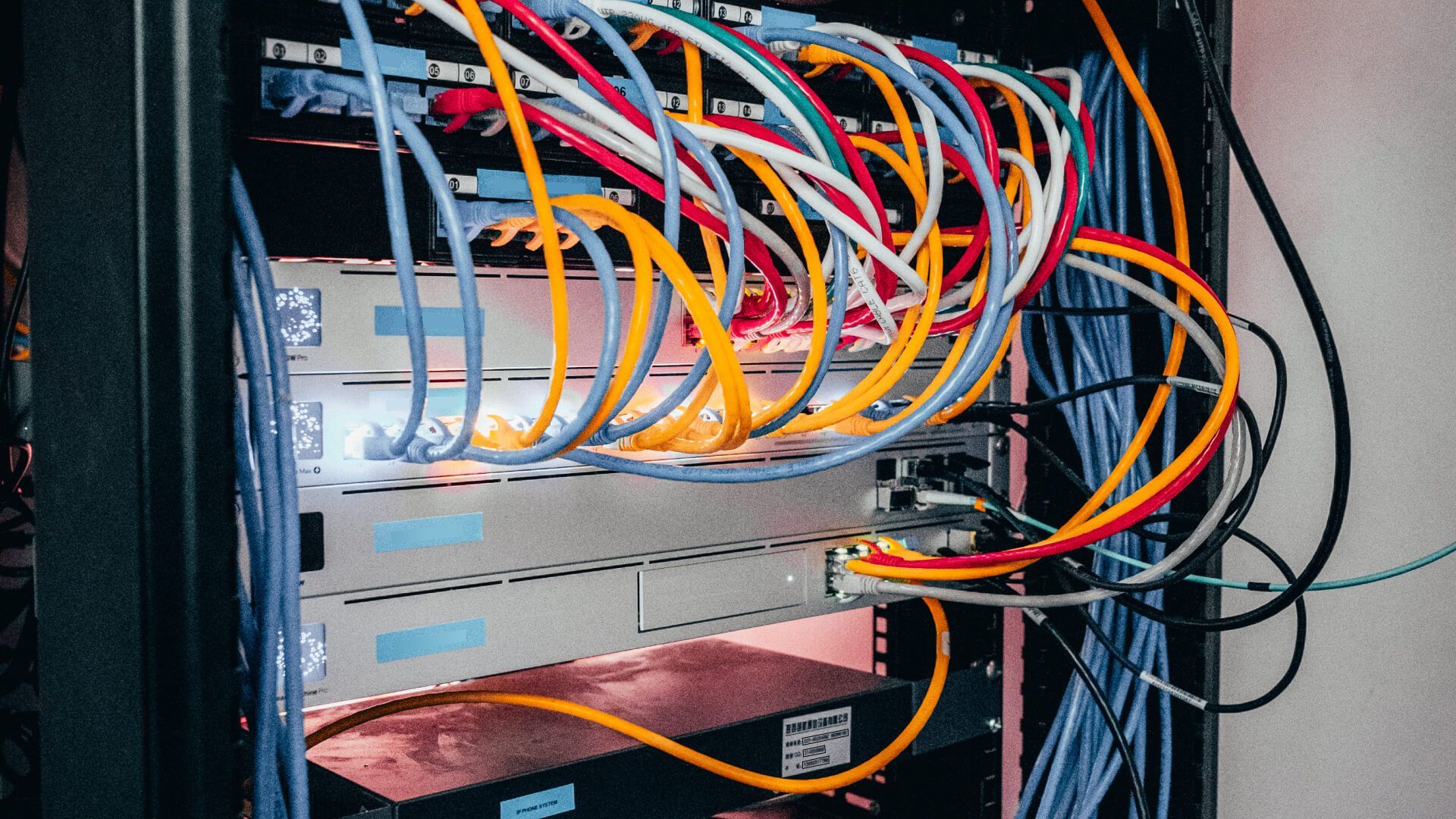
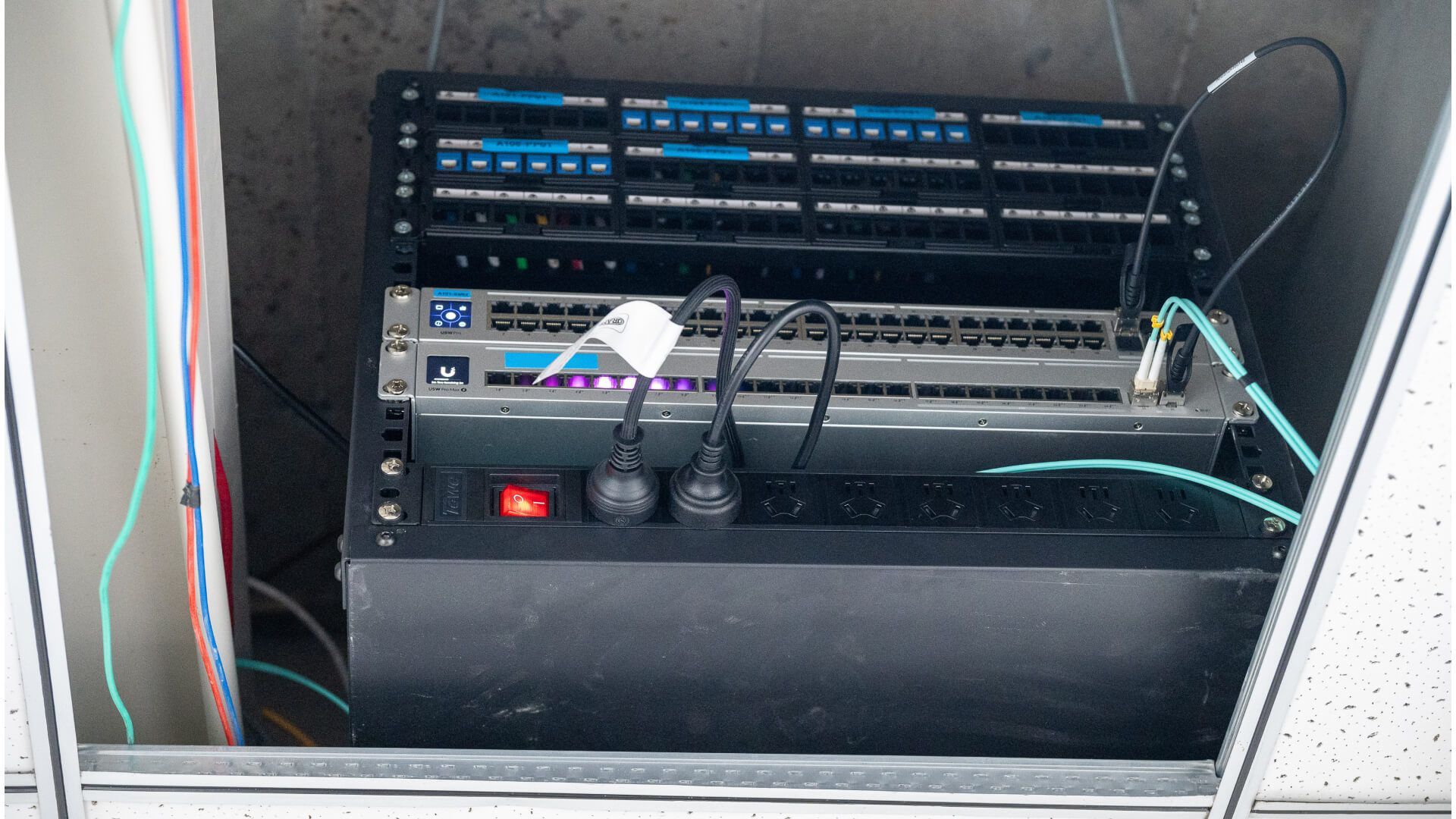
  • Upgraded switching included 3 Dream Machine Pros, 13 Pro-series switches, and 10G uplinks.
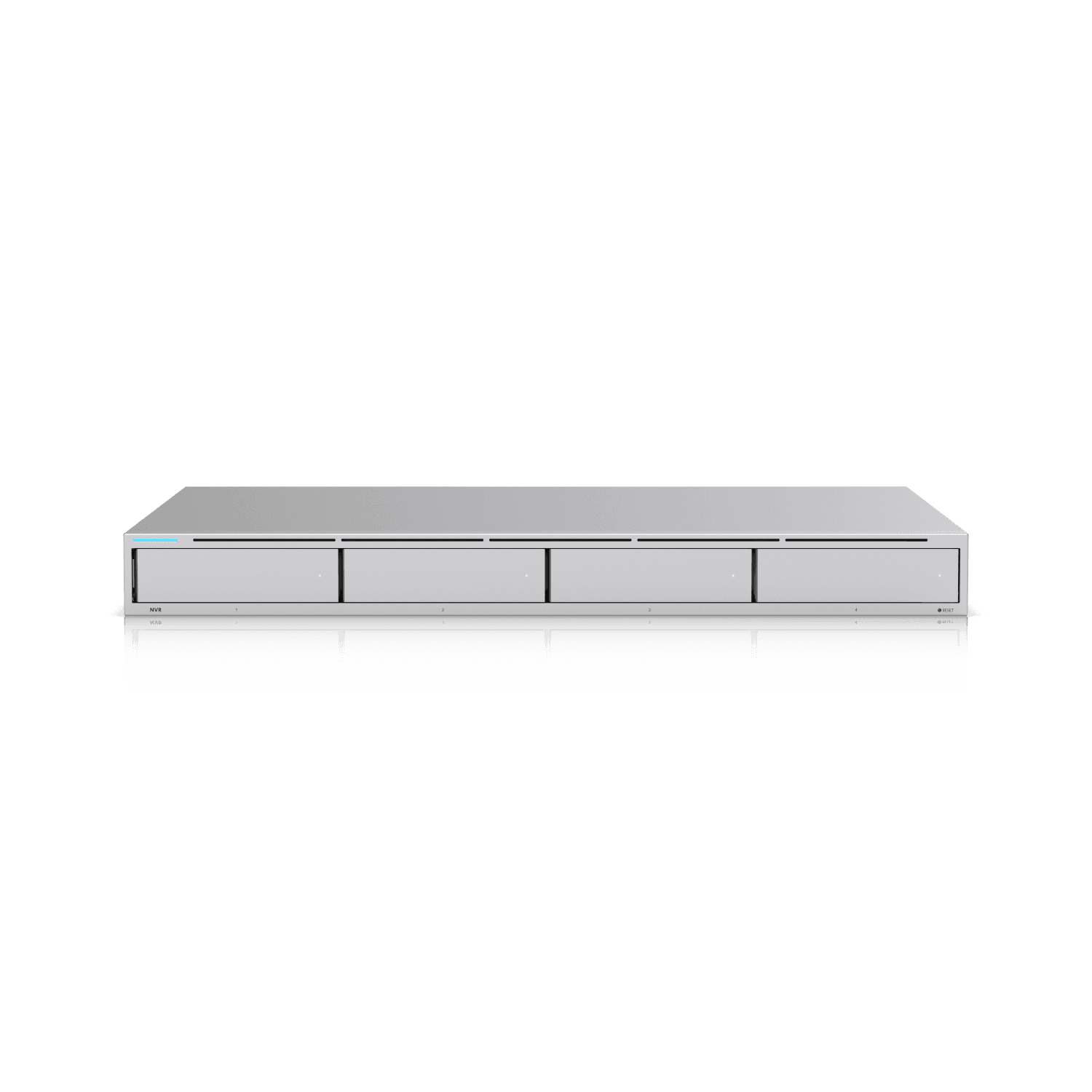
  • UniFi NVR installed to prepare for Protect integration.

Guest Access & Remote Work

  • Temporary guest Wi-Fi easily provisioned for parents, vendors, and events.
  • Staff can securely access school systems remotely via UniFi Identity App, proven effective even for overseas travel and remote work.

Looking Ahead

  • Access Control Integration: deploy UniFi Access for staff/visitor entry.
  • Surveillance Expansion: add UniFi Protect cameras across the campus.
  • Cross-Building Connectivity: strengthen inter-building network capacity and redundancy.

Key Metrics

  • Users Supported: 150+ daily (students, teachers, staff)
  • Wi-Fi Deployment: 36 UniFi U6 Pro + 18 UniFi U6+
  • Switching & Gateway: 3 Dream Machine Pros + 13 UniFi Pro/Pro Max switches
  • Availability: ≥ 99.9% uptime, with zero class minutes lost during rollout
  • Management Impact: Password changes and network adjustments now completed remotely via UniFi dashboard, saving significant IT time
Upgrading our school’s network while classes continued felt daunting, but UniFi made it seamless. Coverage is rock solid, management is simple, and remote access has gone from theory to reality. Our IT team can finally focus on supporting teaching and innovation, not just troubleshooting.

IT Lead, Xi’an International School

Start Your UniFi Journey

Design Center

Simulate a complete UniFi system with our powerful visualization and planning tool.

Experts

Request a meeting with expert UniFi Solutions Architects.