University of Saint Louis Tuguegarao

UniFi Centralizes and Modernizes Network Management for a 10,000+ User University in the Philippines.
 
Seamless IT ManagementCentralized, license-free management across all campuses from a single interface.
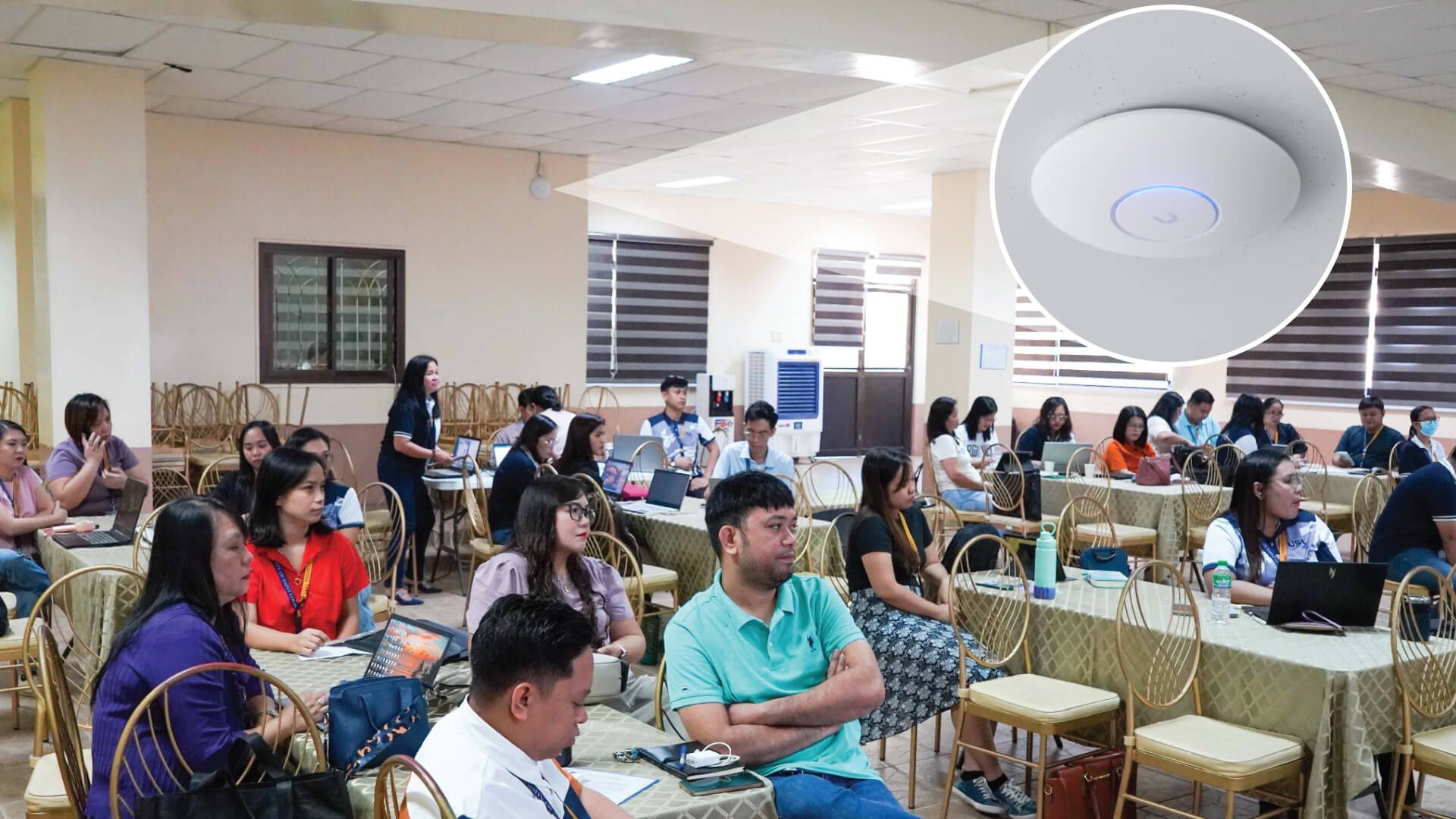
Next-Gen Campus Wi-Fi 7Reliably supports 10,000+ concurrent users with high-density Wi-Fi.
Enterprise-Grade AvailabilityEFG Shadow Mode and Site Magic deliver resilient multi-site connectivity.

Overview

The University of Saint Louis Tuguegarao (USLT), a major higher-education institution in northern Philippines, serves more than 10,000 students and staff across multiple campuses. As digital learning adoption increased and device density grew, the university required a modern, scalable, and centrally managed network infrastructure.

By deploying UniFi across its campuses, USLT replaced a fragmented, multi-vendor environment with a unified, license-free platform capable of supporting thousands of concurrent wired and wireless users. All the while simplifying operations for a lean and frequently changing IT team.
Challenges

USLT’s legacy network was built using a mix of other vendor’s equipment deployed independently across sites. While functional, the environment introduced several operational challenges:

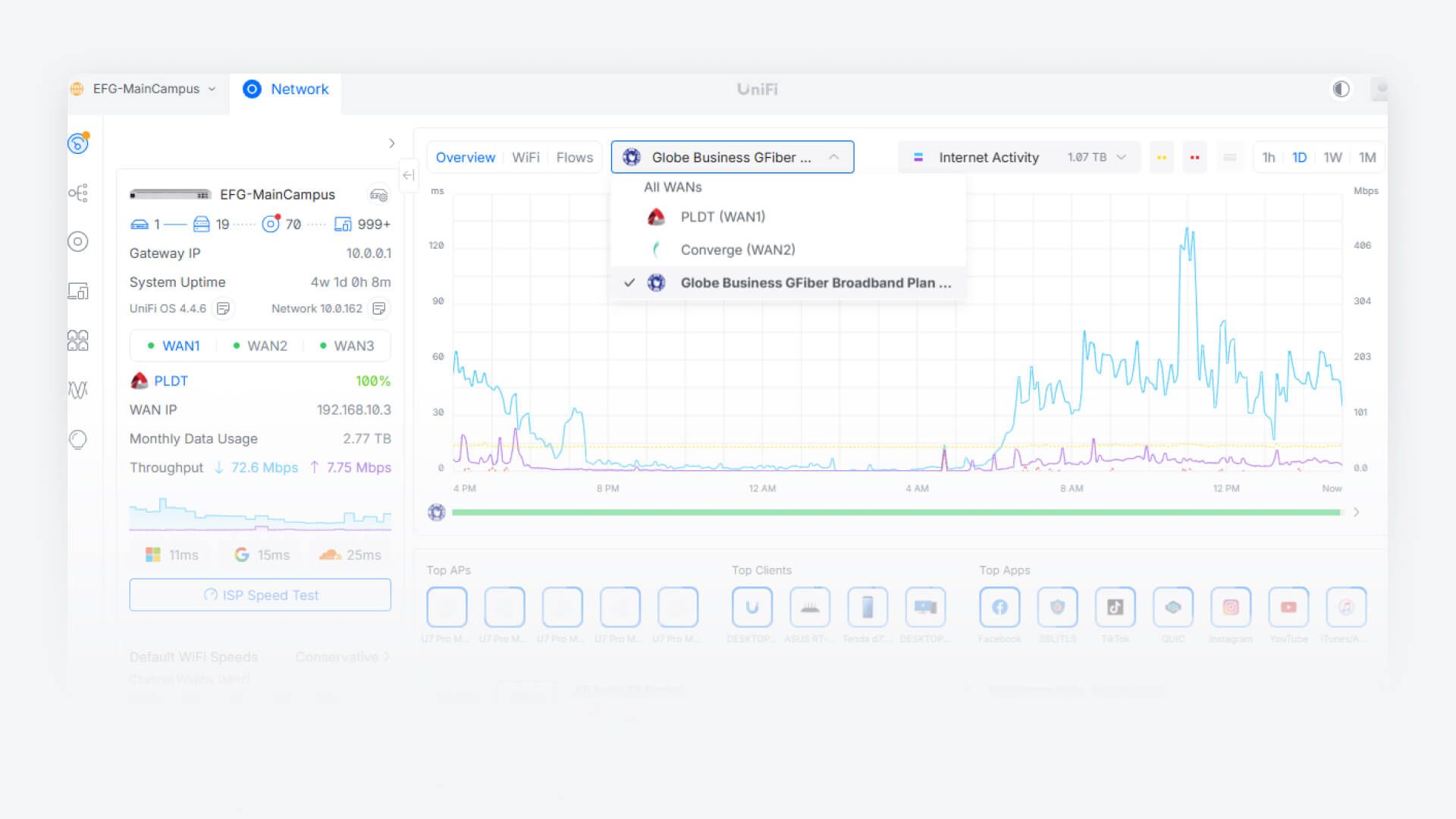
Lack of centralized visibility: No single control plane existed to manage, monitor, or troubleshoot the network across campuses located 10 km apart.

Scalability constraints: Daily peak usage exceeds 3,000 Wi-Fi clients, with total concurrent connections reaching up to 5,000 devices.

Operational complexity: Network configuration and troubleshooting required multi-vendor expertise, difficult to maintain with high IT staff turnover.

Growing demand for campus-wide Wi-Fi: Students and staff required reliable, high-density wireless connectivity across classrooms, offices, and shared spaces.

Solution

USLT selected UniFi as its long-term networking platform, deploying UniFi Network with centralized management across all sites.

UniFi delivered a single-pane-of-glass experience for routing, switching, and Wi-Fi while laying the foundation for future access control and surveillance expansion within the same system.

We needed a system that could manage everything in one place. UniFi checked every box.

Amancio Jr. Novo

Why UniFi

UniFi was chosen based on four primary decision factors:

Centralized, License-Free Management: Eliminated operational silos and reduced long-term costs.

Scalability as a Top Priority: Designed to support a growing student population and increasing device density.

Ease of Use: The intuitive UI allows even entry-level IT staff to manage day-to-day operations efficiently.

Unified Roadmap: Enables future consolidation of networking, access control, and surveillance on a single platform.

Scalability is number one for us and UniFi delivers. The UI is simple enough that even entry-level staff can manage the network.

Amancio Jr. Novo

Deployment

Gateways & Multi-Site Connectivity

  • Enterprise Fortress Gateway (EFG) to support higher device and client thresholds
  • Two EFGs deployed in Shadow Mode for high availability with multi-WAN configuration
  • UDM-Pro deployed for additional remote sites
  • Site Magic used to securely connect remote campus sites via SD-WAN, simplifying centralized management and remote administration

Aggregation & Switching

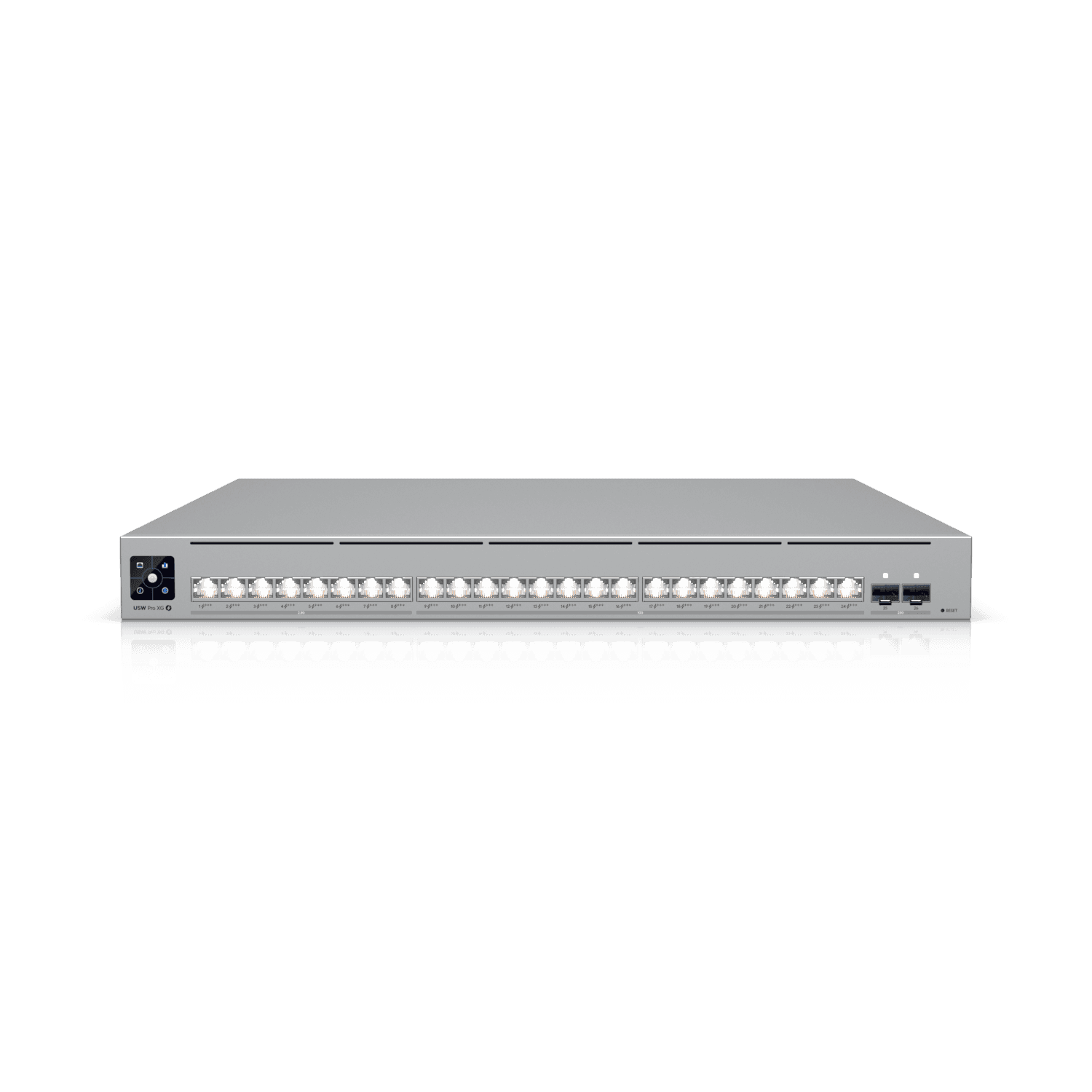
  • Pro Aggregation switches for high-capacity 10G SFP+ and 25G SFP28 connections
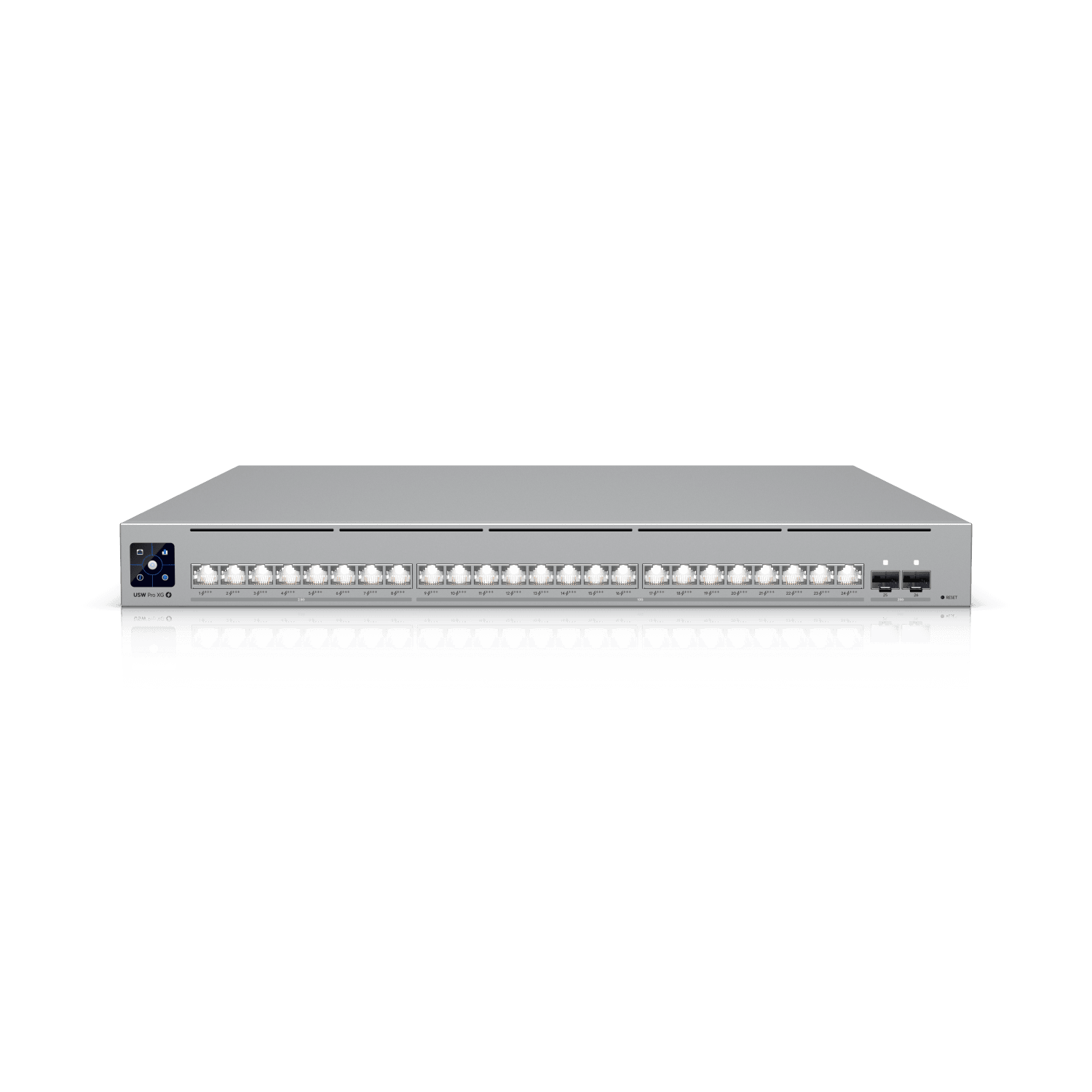
  • Pro XG PoE Switches (24/48) with providing power and multi-gigabit PoE+++ power to critical network devices

Wireless Coverage

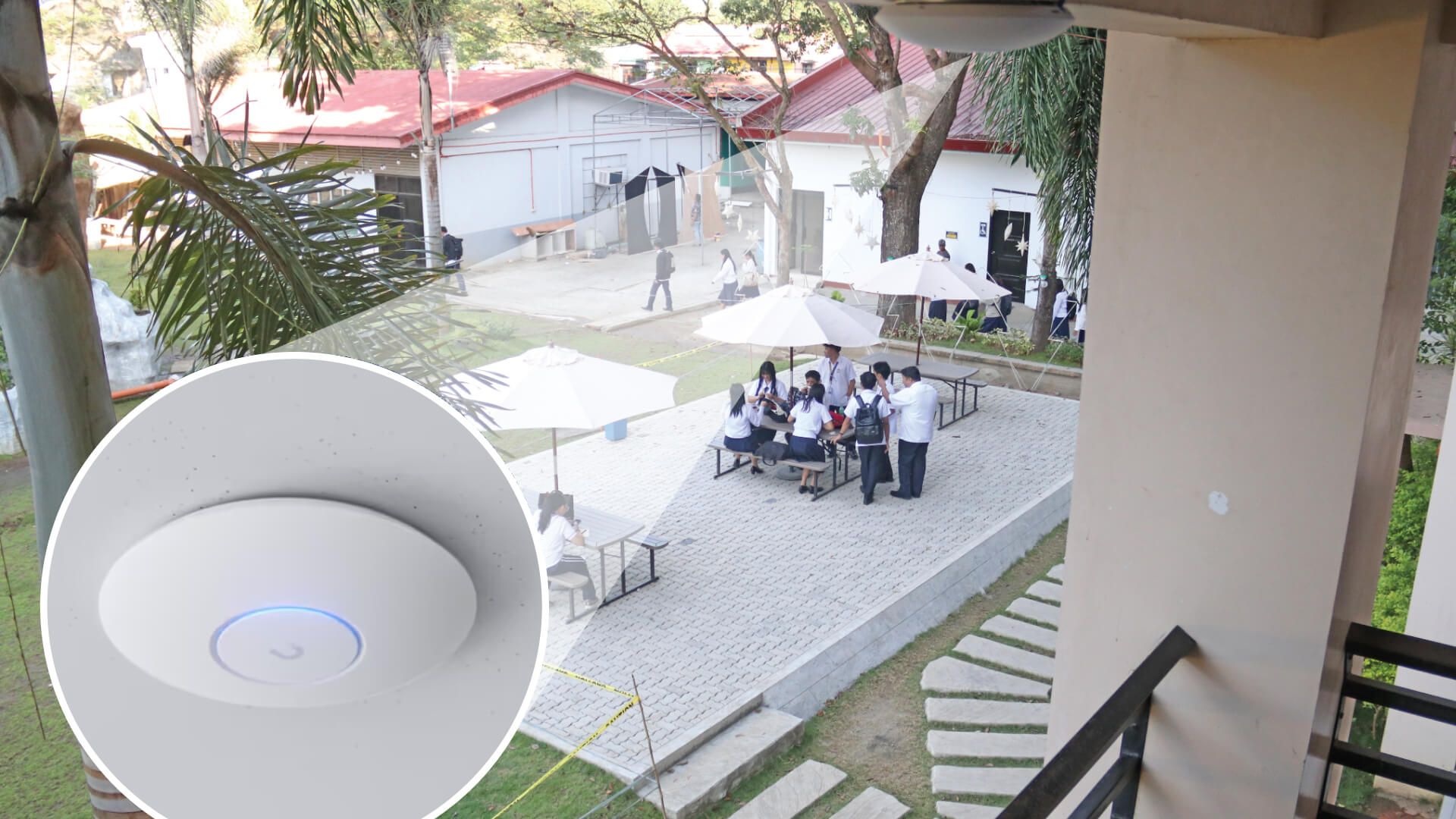
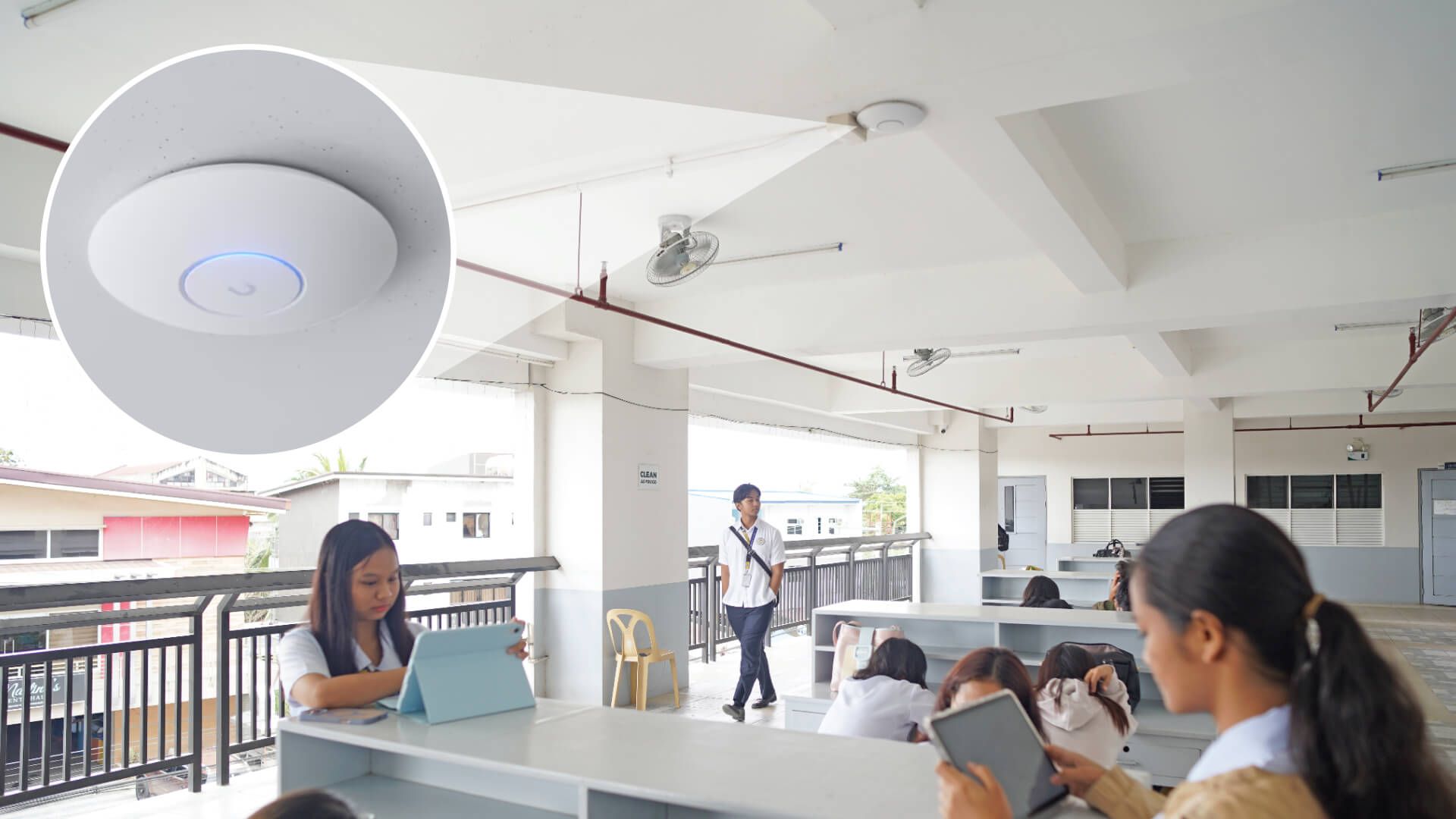
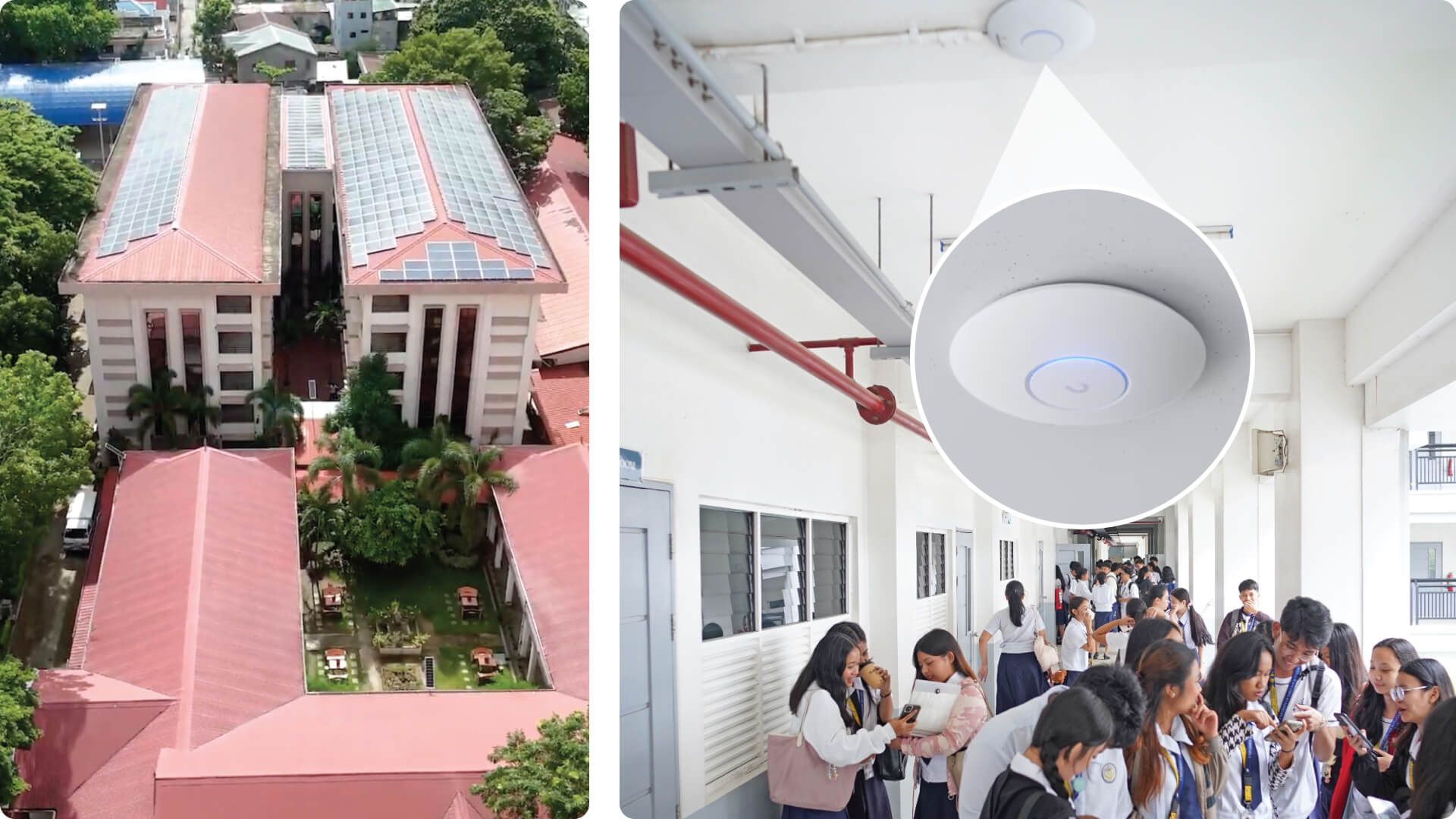
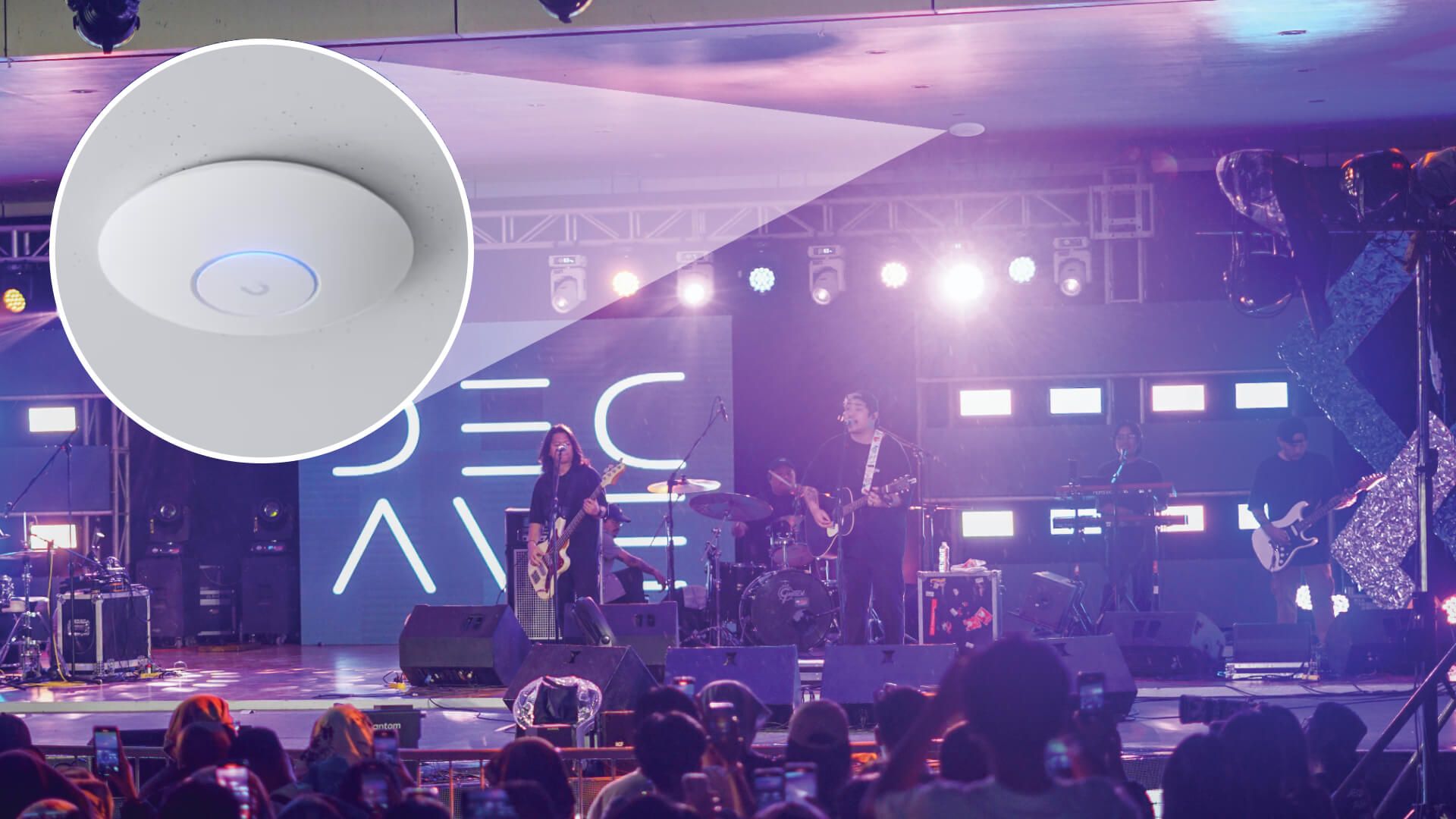
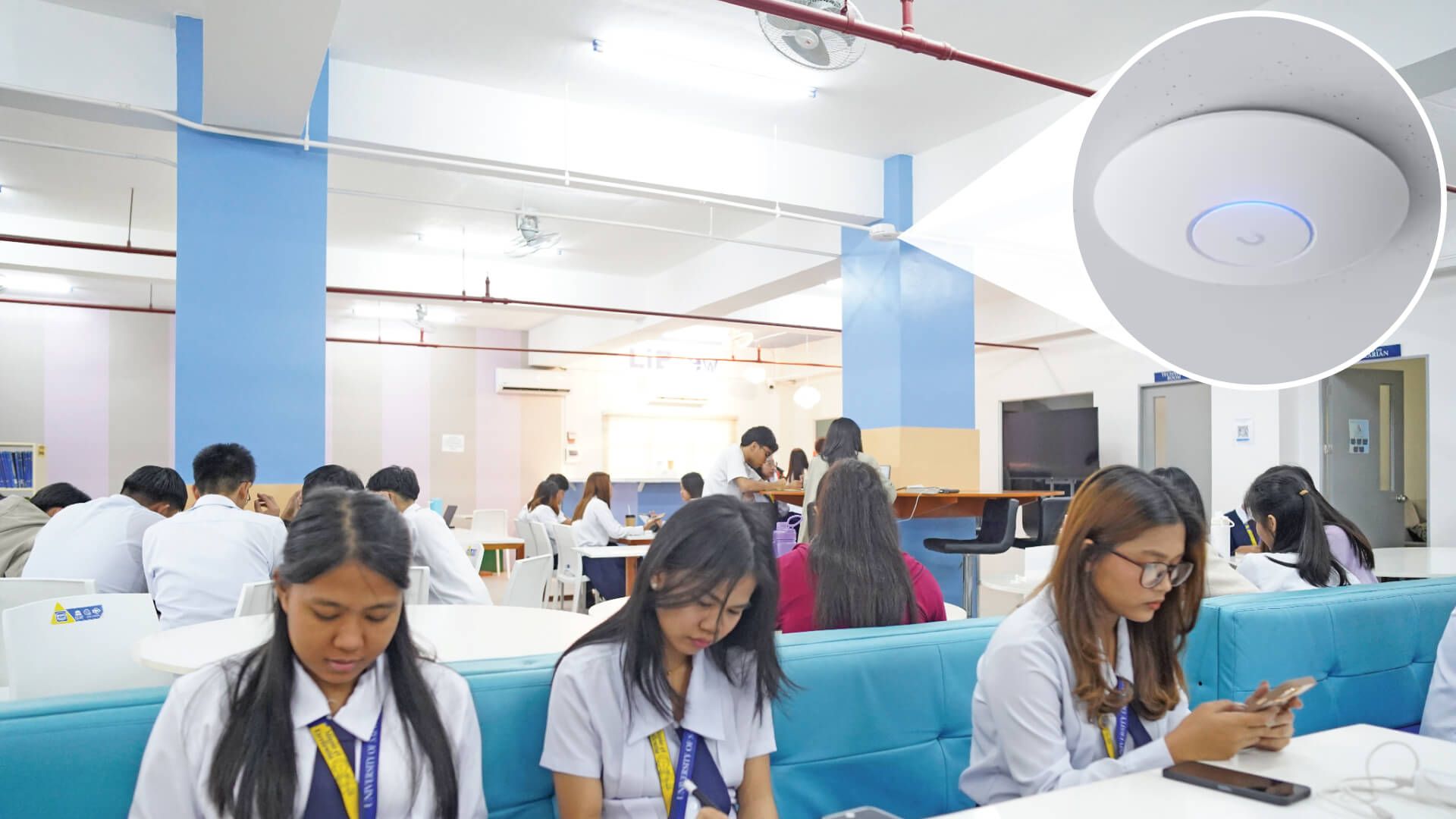
  • U7 Pro Max APs (Wi-Fi 7) deployed throughout campus, communal, and shared spaces.

Deployment Challenges and Resolution

During deployment, the IT team encountered DHCP leaks originating from unauthorized third-party devices connected to various VLANs. These issues caused intermittent connectivity disruptions.

Using UniFi’s built-in troubleshooting tools, the team quickly identified and resolved the issue by:

  • Implementing DHCP Guarding
  • Removing unauthorized routers
  • Cleaning & enforcing VLAN configurations

UniFi significantly reduced troubleshooting & configuration time compared to the previous multi-vendor setup.

Results

By transitioning to UniFi, USLT achieved:

  • Centralized visibility and control across multiple campuses
  • Reliable high-density Wi-Fi for thousands of concurrent users
  • Simplified operations with reduced training requirements
  • A scalable foundation for future campus-wide technology initiatives

Looking Ahead

USLT plans to expand its UniFi deployment beyond networking, adopting the full UniFi Product Suite:

  • UniFi Protect for full campus surveillance with outdoor-rated cameras
  • UniFi Access for doors, turnstiles, and controlled ingress/egress
  • Alarm Manager for vehicle access using RFID or license plate recognition
  • E7 Series APs for high-density outdoor areas such as student lunch zones

Start Your UniFi Journey

Design Center

Simulate a complete UniFi system with our powerful visualization and planning tool.

Experts

Request a meeting with expert UniFi Solutions Architects.